
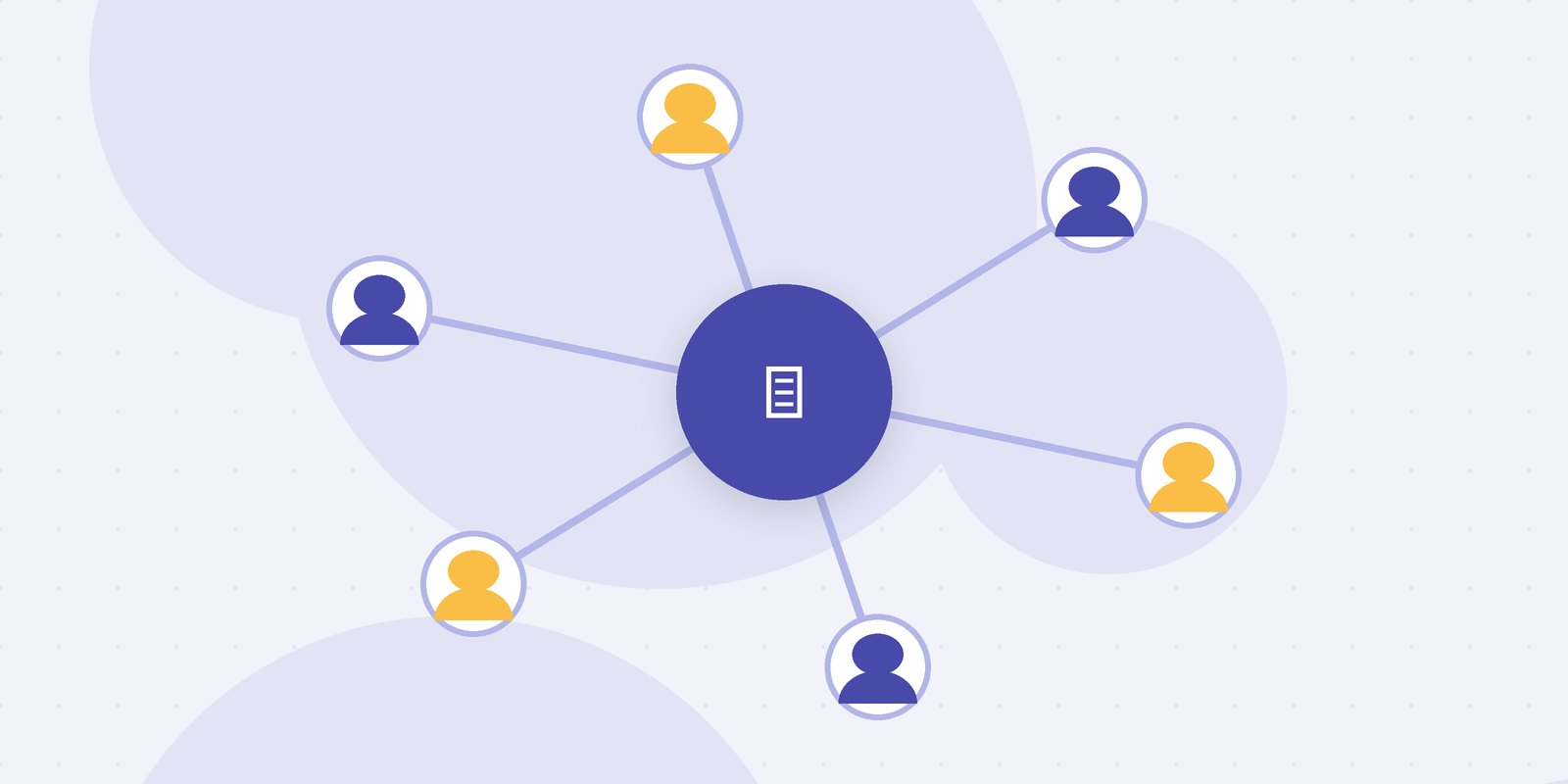
Most blog platforms support multiple authors. That sentence is true and almost useless. Supporting multiple authors usually means more than one person can log in and their name can appear on a post. It does not mean the platform knows who is writing what, who is reviewing it, or why three drafts of the same article exist in three different places.
The difference between a blog that has several authors and a blog run by an editorial team is the workflow between them. If you are choosing a blog platform for multiple authors with an editorial workflow, that workflow is the thing to evaluate, not the author page or the theme.
This guide covers what multi-author support should actually include, which questions to ask in a demo, and where teams tend to get it wrong. If you want a broader platform comparison first, see the roundup of best team blogging platforms.
What Is a Multi-Author Blog Platform With Editorial Workflow?
A multi-author blog platform with editorial workflow is a publishing system where several contributors write under their own bylines, and each article moves through defined stages such as draft, review and approval, with roles controlling who can edit, approve and publish.
There are two halves to that definition. The multi-author half is about identity: accounts, bylines, author pages and permissions. The editorial workflow half is about movement: how a piece gets from a first draft to a published page, and who is responsible at each point. Plenty of platforms do the first half well. Fewer do the second half at all, and many teams only discover the gap after migrating.
Why "Supports Multiple Authors" Is Not Enough
Here is a common situation. A SaaS company has a marketing lead, two staff writers, four freelancers and a handful of product managers who contribute a guest post every quarter. The blog runs on a platform that supports multiple authors, so everyone has an account.
What actually happens is this. Freelancers write in Google Docs because they do not have publish rights and do not want to break anything. Staff writers draft directly in the CMS. Product managers send a Word file by email. The marketing lead keeps a spreadsheet to track which draft is where, and pastes approved freelance drafts into the CMS by hand, losing formatting every time. The platform has seven authors. The editorial workflow is a spreadsheet and one tired person.
That is not a failure of the people. It is what happens when a platform handles authors but not the work between them. The guide to why most publishing platforms break for teams covers this pattern in more depth.
Features That Actually Matter for Multi-Author Teams
When teams evaluate platforms, they tend to start with templates and SEO plugins. For a multi-author team, these matter much more:
Roles beyond admin and author. At minimum you need writers who can draft but not publish, editors who can edit and approve anyone's work, and someone who controls publication. Contributors such as guest authors or freelancers may need access to only their own drafts.
Review stages inside the platform. A draft should be able to sit in "review" with a named reviewer, with comments attached to the text. If review happens in a separate tool, the platform will never know what state an article is really in.
Ownership and status you can see at a glance. The editor should be able to open one view and see every article in progress, who holds it, and how long it has been there.
Version history per article. When an editor rewrites a paragraph, the writer should be able to see what changed. When something goes live with a mistake, you should be able to see who approved it.
Clean bylines and author pages. Still important, but this is the easy part. Most platforms get it right.
Notice the order. If you evaluate the last item first, nearly every platform looks fine. If you evaluate the first three, the field gets much smaller.

Questions to Ask Before You Choose a Platform
Demos are designed to show the publishing page and the editor. To see how a platform handles a team, ask it to walk through one article from start to finish with several people involved:
- A freelancer submits a draft. Can they see anyone else's work? Can they publish by accident?
- The editor leaves comments. Where do the comments live, and does the writer get notified?
- The writer revises. Can the editor see exactly what changed since the last round?
- A second reviewer needs to check claims. Can you add them to this article without giving them access to everything?
- The article is approved. Who can publish it, and is the approval recorded?
- Three months later, someone asks who approved a sentence. Can you find out?
If the answer to two or more of these is "you would do that in another tool", the platform supports multiple authors but not an editorial workflow. That might still be fine for you, but you should know it before you migrate fifty posts.
How Common Platform Types Compare
Rather than ranking individual products, which change every year, it is more useful to compare the types of platform teams usually consider.
Platform type | Multi-author roles | Built-in review stages | Where it fits |
|---|---|---|---|
Self-hosted CMS with plugins | Good, with configuration | Possible through plugins | Teams with a developer to maintain it |
Hosted blogging or newsletter platform | Basic to good | Limited, often a simple draft state | Small teams and individual writers |
Docs or wiki tool used as a blog backend | Good for editing | Manual, through columns or tags | Teams who live in the tool already |
Editorial workflow platform | Good, designed for teams | Yes, as the core of the product | Teams publishing weekly with several reviewers |
Self-hosted systems such as WordPress come with roles like Contributor, Author and Editor out of the box, and can reach a full workflow with plugins. The cost is maintenance: each plugin is another thing to update, and the workflow is only as reliable as the least maintained plugin. Hosted platforms tend to be simpler and pleasant to write in, but review often means sharing a preview link and collecting comments somewhere else.
For a more detailed breakdown of how to weigh these, the guide to editorial workflow management software goes through the criteria.
What a Good Setup Looks Like at Different Sizes
Four people, one editor. A small B2B team with two writers, one editor and a marketing lead who publishes. The roles are simple: writers draft, the editor reviews and approves, the lead publishes. The main requirement is that review happens on the article, not in a shared document, so the editor never has to ask which version is current.
Ten people plus freelancers. A content team with three staff writers, five regular freelancers, two editors and an SEO specialist. Here permissions start to matter. Freelancers should see only their own drafts. The SEO specialist needs to review every article but should not be able to publish. Editors need a single view of everything in progress, because with eight writers no one can keep the state of the queue in their head.
A publication with several sections. A larger team running separate sections, each with its own editor. Now the platform needs to handle different review paths for different kinds of content, for example a technical section that needs an engineer's sign-off and a news section that does not. This is where general blogging tools usually run out, and where a platform built around editorial workflow earns its cost.
The Author Nobody Plans For: The Occasional Contributor
Platform evaluations almost always picture two kinds of user: the core team, who are in the tool every day, and admins. The person who causes the most friction is neither. It is the occasional contributor: the product manager who writes once a quarter, the customer who agreed to a guest post, the engineer asked to review a technical piece.
These people do not remember how the platform works between visits. They will not read a guide. If contributing means creating an account, learning an editor and figuring out where to click "submit", they will email you a Word document instead, and you are back to pasting by hand.
So test the platform from their side. Invite someone outside the content team to draft or review one article with no instructions. Watch where they get stuck. A platform that works for a daily user but defeats a quarterly one will quietly push a large share of your contributions back into email.
The fix is usually simple: a contributor role with access to only their own draft, a clear "submit for review" action, and a review link that does not require learning the whole system. Few platforms advertise this, because it does not look impressive in a demo. It is one of the best predictors of whether a multi-author blog will actually run through the platform or around it.
Common Mistakes When Choosing a Multi-Author Platform
Choosing on the reading experience alone. Themes and page speed matter to readers, but your team will spend far more hours in the editor and the review screens than anyone will spend admiring the theme.
Assuming you will fix workflow later. Teams often pick a simple platform and plan to add process once they grow. Then they grow, and the workflow ends up in spreadsheets and chat because the platform has nowhere to put it.
Giving everyone publish rights. It feels efficient and saves a few clicks. It also means a draft can go live without review, and sooner or later one does.
Migrating without testing a real article. Run at least two real articles, with real reviewers, through a new platform before moving the archive. A demo with sample content hides most of the friction.
Ignoring how drafts get in. If writers keep drafting elsewhere and pasting in, you inherit formatting cleanup on every post. Check how well the platform handles writing from scratch, not just publishing.
How Narranta Supports Multi-Author Editorial Teams
The pattern in everything above is that multi-author blogs fail in the space between authors: the handoffs, the reviews and the drafts that live outside the platform. Narranta was built to put that space inside the tool.
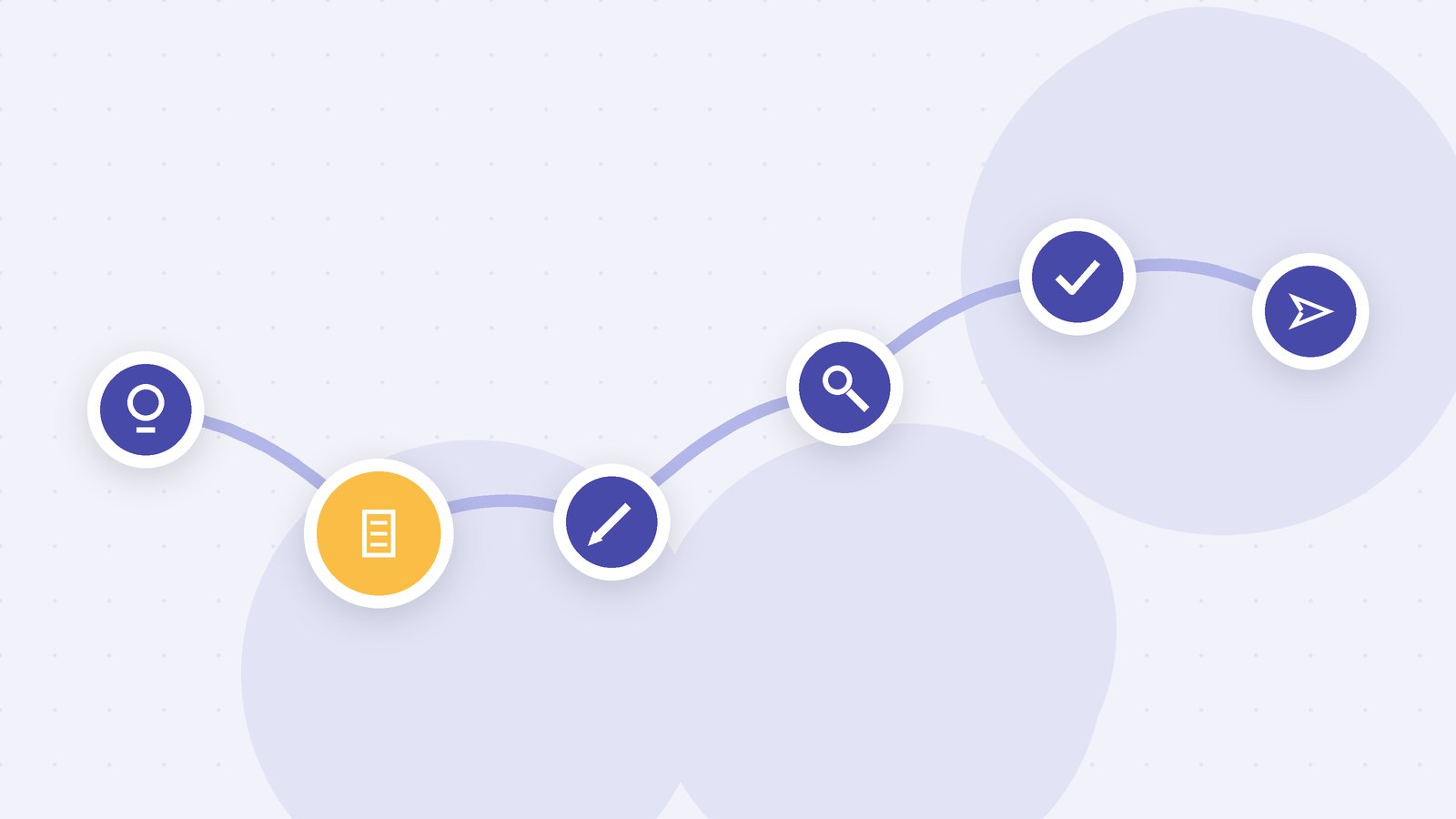
In Narranta, each article moves from idea, to draft, to review, to approval, with an owner and a status visible at every stage. Writers draft in the same place editors review, so comments and changes stay attached to the article rather than scattered across documents and email. Roles decide who can write, who can approve and who can publish, so a freelancer or guest author can contribute without touching anything else. When a piece is published, the record of who reviewed and approved it is already there.
If you want to see how the roles and stages fit together, the overview of editorial workflow software covers them in more detail. To try it with your own authors, you can create a Narranta workspace and invite a writer and an editor to run one article through.
Frequently Asked Questions
What is the best blog platform for multiple authors?
It depends on how much review your team does. For a few writers who publish their own work, most hosted platforms are fine. For a team with editors, freelancers and approval steps, choose a platform with built-in review stages and roles.
Can WordPress handle editorial workflows?
WordPress has built-in roles such as Contributor, Author and Editor, and plugins can add review stages and editorial calendars. It works well with a developer to maintain it, but the workflow depends on how well the plugins are kept up to date.
What user roles does a multi-author blog need?
At minimum: writers who can draft but not publish, editors who can edit and approve, and someone who controls publication. Teams with guest authors also benefit from a contributor role limited to their own drafts.
Is a team blogging platform the same as editorial workflow software?
Not always. A team blogging platform focuses on publishing and bylines, while editorial workflow software focuses on how articles move through drafting, review and approval. Some products do both.
Pick the Platform for the Work, Not the Login Screen
Every platform on your shortlist will let several people log in and put their names on posts. That is the floor, not the decision. The decision is whether the work between those people, the drafts, reviews, approvals and handoffs, happens inside the platform or around it. Choose the one where it happens inside, test it with your least frequent contributor, and the rest tends to follow.